
Customer portal
Customers can see the agreed order status, submit documents or ask questions in the right place. We define which content is visible through the relevant access permissions.
Development · Web applications · iOS & Android
An app idea, a customer portal or finally less duplicated work? We turn your plans into a clear roadmap and a digital solution that people enjoy using.
Free initial consultation · Personal point of contact
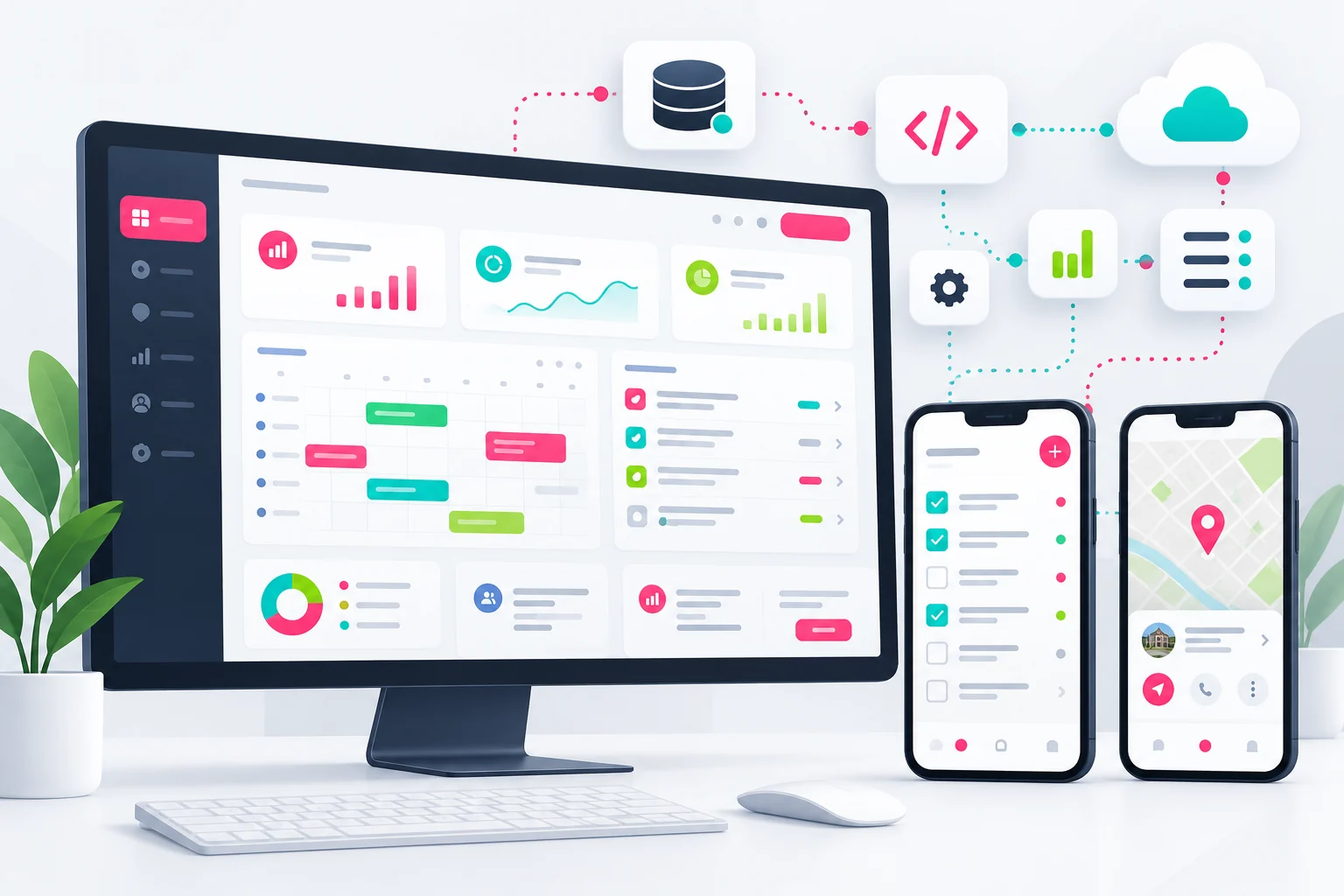
Software & app development explained clearly
You do not need to bring a complete feature list or a technical solution. A good project often starts with a simple sentence: “Our employees enter the same data three times.” Or: “Customers should be able to track their own orders.” That is where we begin. We listen, look at the actual workflow and identify which steps currently cost you time, clarity or unnecessary follow-up questions.
Custom software makes sense when existing tools do not adequately meet your requirements or several systems need to work together. Sometimes a properly configured standard solution is enough. Sometimes you need your own web application or app. We explain the differences so you can make an informed decision before substantial development costs arise.
01 · Start with the benefit
Off-the-shelf software comes with a predefined workflow. That can work very well. It becomes more difficult when your team continually has to rely on additional spreadsheets, handwritten notes and exceptions. A custom application can fill these gaps by bringing the necessary information, responsibilities and approvals together in one interface.
That is why we ask not only which features you want, but also who will use them, how often they are needed and what a good result would look like. A clearer scheduling process may be worth more than ten additional buttons. The aim is a solution that improves a specific workflow and remains easy to understand.
Customers can see the agreed order status, submit documents or ask questions in the right place. We define which content is visible through the relevant access permissions.
Tasks, appointments, inventory or enquiries are handled centrally. The people responsible can see what is outstanding and which information is missing for the next step.
Employees record data where it originates, such as a service report at a customer's premises. The office then no longer has to transfer the details from a photo or a piece of paper.
02 · Explained simply
These terms describe different ways to deliver your application. What matters is not which technology sounds fashionable. What matters is which devices people use, which device functions are needed and how the application will be distributed and maintained.
Choose the right format
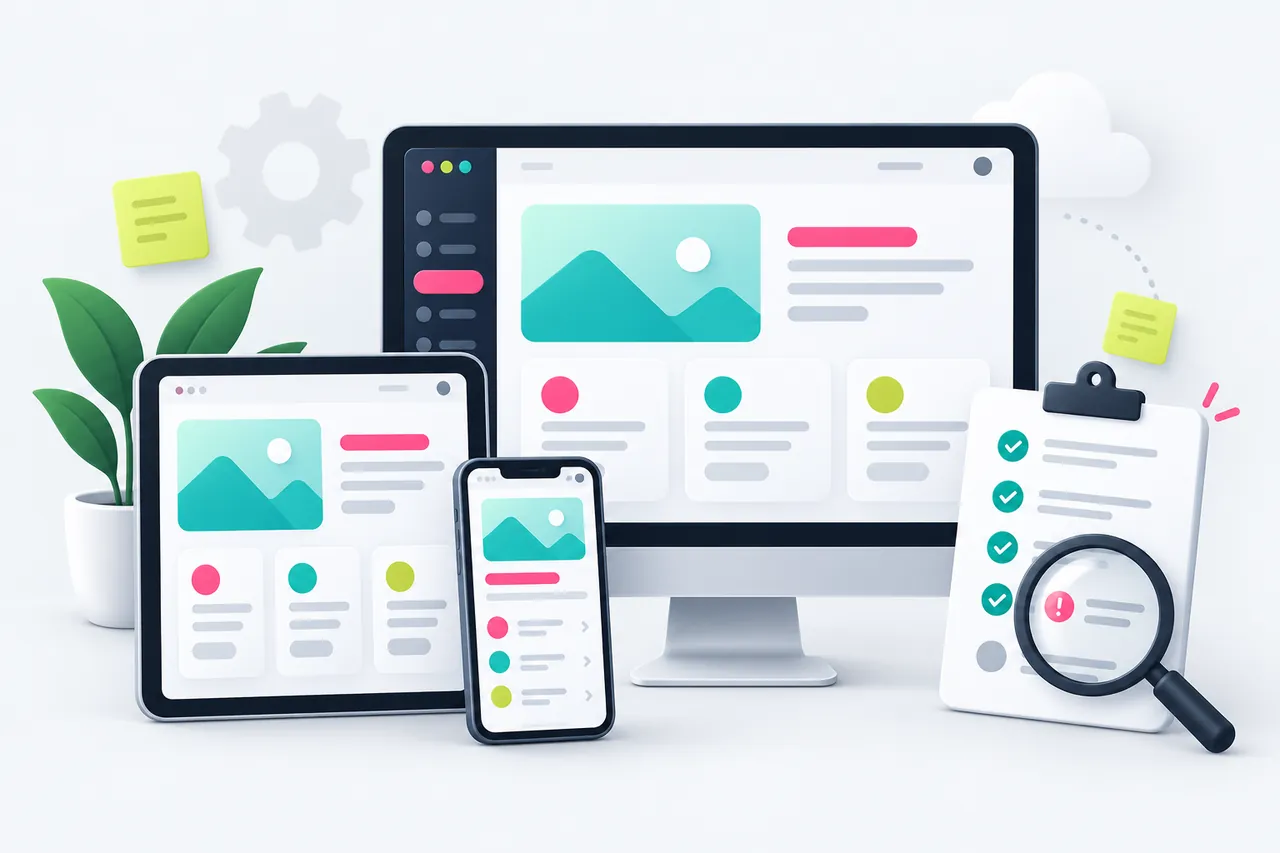
A web application opens through a web address. One shared interface can adapt to computers, tablets and smartphones. This is often practical for customer portals, administration and internal workflows: new versions are deployed centrally.
An installed app can work closely with its operating system. This is useful when the camera, location, notifications or particular interaction patterns are important. Distribution, supported devices and ongoing maintenance are included in the planning.
A PWA uses web technology and, depending on the browser and operating system, can also be installed. With the right implementation, certain content or tasks can be used offline. We check which features are actually available on your target devices.
03 · The right platform
For mobile apps, we distinguish between development specifically for one operating system and a solution that shares substantial parts of its code across multiple platforms. Shared code can simplify maintenance. Nevertheless, usability, permissions and behaviour on iOS and Android must each be tested separately. An app does not automatically work identically on every device.
We consider typical screen sizes, the operating system versions required and real working conditions. These include slow connections, denied permissions or an interrupted sign-in. We plan offline features explicitly: which data may be held locally, what happens when changes conflict and how will synchronisation work when a connection returns?
04 · Start with the essentials
A long wish list is not yet a good project plan. Together, we prioritise: what must the first version absolutely do? Which feature would make daily work easier but could follow later? Which interesting idea still needs its usefulness tested? The result is an initial usable version with a deliberately limited scope. This is often called an MVP.
This approach keeps decisions manageable. You can test a complete workflow with real users before adding further areas. The first version already includes clear usability, appropriate security and the agreed quality checks. We deliberately restrict its features to the usable core.
05 · Connect data sensibly
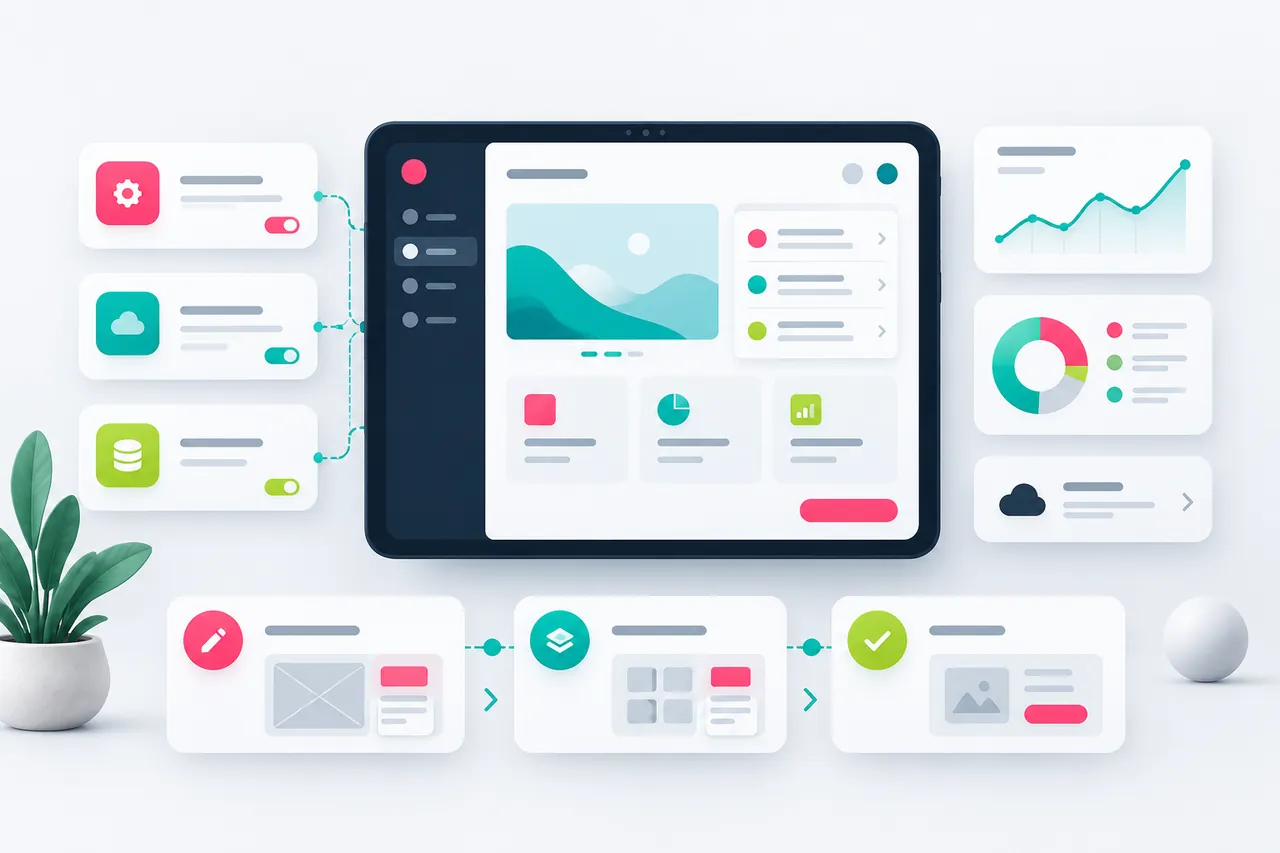
Put simply, an interface is an agreed handover point between two programs. Instead of copying an order out of the shop manually, a connected application can receive the data it needs. Instead of creating a new customer number several times, a central source can provide that information. Whether this is possible depends on the existing systems, access to them and the interfaces they offer.
We clarify which system is responsible for which data and what should happen when errors occur. For example, a duplicate transfer must not create two orders. If another system is temporarily unavailable, there needs to be a clear status and a suitable next step. These rules are just as important as the first successful connection.
Development with feedback
Clarify the goal and workflow.
Make ideas visible early.
Build the features that matter.
Incorporate feedback.
06 · Designed for people
Before we program every feature, we can discuss screens and user journeys as a prototype. You see early on where an order is created, which information is really needed and how an employee reaches the next step. This reveals misunderstandings while changes are still comparatively straightforward.
Clear labels, easy-to-reach buttons and helpful error messages are not minor details. Anyone filling in a form should understand why information is missing and what to do next. We also consider appropriate keyboard operation, readable contrast and different screen sizes. The accessibility requirements that apply to the particular project are clarified during planning.
07 · From testing to launch
An application needs to do more than perform a demonstration with perfect sample data. We also test the agreed workflows with incomplete entries, different user roles and typical error scenarios. For a scheduling system, this includes duplicate booking attempts, changed appointments and missing access rights. We document the criteria that must be met for acceptance.
Access, personal data and integrations are considered during planning. We agree which data is actually needed, who may see it and which information should be logged. A technical implementation does not replace any necessary professional or legal review of your business processes.
Publication through app stores also involves publisher accounts, screenshots, descriptions, privacy information and the relevant review procedures. We can assist with the preparation. The decision to approve an app lies with the respective platform operator. We take its review process into account when planning the launch together.
08 · Make informed decisions
The effort depends primarily on features, user roles, integrations, data migration and supported devices. A small internal tool is a different project from a public app with several user groups. We describe the agreed scope and identify services that are optional or may involve ongoing costs.
Planning therefore also includes hosting, any licences or external services, updates and future adjustments. At handover, we agree access, technical documentation and the agreed usage rights. You should know who controls each account and how future support or a handover to another provider can work.
Your business may also change after launch. A new branch, an additional process step or a different inventory system may require an adjustment. A clear technical foundation and understandable documentation help address such changes in a focused way.
From idea to implementation
A clear process, understandable agreements and results you can help shape.
You show us your idea and the current workflow. We clarify audiences, people involved, existing systems and the tasks that should become easier.
We organise the feature scope, compare technical approaches and describe a sensible first version. The proposal, responsibilities and acceptance criteria are clearly documented.
You see screens and interim results. Feedback is incorporated at agreed points while features and integrations take shape step by step.
We test the agreed workflows, address feedback and coordinate the launch. Access, training and documentation depend on the agreed project scope.
If you wish, we agree ongoing support and further development. New requirements are assessed and planned so that the scope remains transparent after launch.
Good to know
Yes. Start by describing who will use the application and which task it will make easier. An example from your daily work is often more helpful than a long technical wish list. Together, we organise the idea and clarify sensible next steps.
That depends on how it will be used. A web application is sufficient for many portals and internal administration tasks. An installed app may make sense when device features or particular mobile workflows are needed. We compare benefits, maintenance effort and distribution for your specific situation.
We check the available export formats, interfaces, rights and data quality. Complete migration is not possible with every system. Before migrating, we therefore clarify the scope, test the mapping and plan a clear transition.
A reliable estimate is possible once scope, integrations and dependencies have been clarified. We divide larger projects into stages that can be reviewed. Approvals, missing content or external review procedures can affect progress; schedules are planned together on that basis.
We assess the feedback: is it an error within the agreed scope or a new requirement? The handling of these issues and any ongoing support are clearly agreed. This keeps responsibilities, effort and priorities understandable.
Expansion is often possible if the data model and architecture are suitable. We consider foreseeable developments during planning. Before implementation, we check whether a new feature fits within the existing structure or requires larger changes.
Useful additions

We develop understandable automations and AI assistants for recurring tasks in your business. Built around your tools, with clear responsibilities and transparent boundaries.
Find out more ↗
Your website should explain what you offer, build trust and make the next step easy. We design and develop a web presence that understands your customers, on a smartphone as well as a large screen.
Find out more ↗
New opening hours, a necessary update or a form that no longer works: with suitable website support, you have a point of contact for ongoing technical tasks and changes.
Find out more ↗Let's get to know your plans
Tell us about your app, your software or a workflow that is still unnecessarily complicated. We listen and discuss a suitable starting point with you.
← Back to our services